Challenge types: JS, cookie, CAPTCHA
Which challenges the protection system presents to users, how it selects a challenge type, and what happens after the challenge.
|
Unlike other challenges, CAPTCHA is disabled by default. To use CAPTCHA, contact support. |
In short
This section provides a summary without details for those looking for a quick answer. The sections below explain everything in more detail.
Challenges the protection system can present to a user: JS challenge, cookie challenge, and CAPTCHA.
How the system selects a challenge: it analyzes the request and determines its source class. Different classes receive different challenges. The default policy is as follows:
Challenge type |
Challenge type |
|
Bot |
By default, no challenge is presented; the request is simply blocked. If CAPTCHA is enabled, CAPTCHA is presented instead of blocking. |
No challenge is presented, even if CAPTCHA is enabled. The request is simply blocked. |
Likely bot |
JS challenge: for a request to a location where an HTML response is expected. + Cookie challenge: for a request to a location where an HTML response is not expected. |
|
Human |
No challenge is presented; the request is passed. |
JS challenge. |
We flexibly adjust this policy to the specifics of your traffic when connecting protection. You can also make your own adjustments through custom rules.
What happens after the challenge: if the challenge is completed, the request is passed to your resource; if it is not completed, the request is blocked.
What is a challenge?
A challenge is a short test that the protection system can present if it suspects that a request was sent by a bot.
Imagine that your website is a building and the protection system is a security guard at the entrance. Visitors usually enter without problems because the guard has no reason to doubt them. But if someone behaves unusually, the guard may ask them to perform a simple action, such as showing a pass. An honest visitor (a person) can do this easily, but an intruder (a bot) cannot.
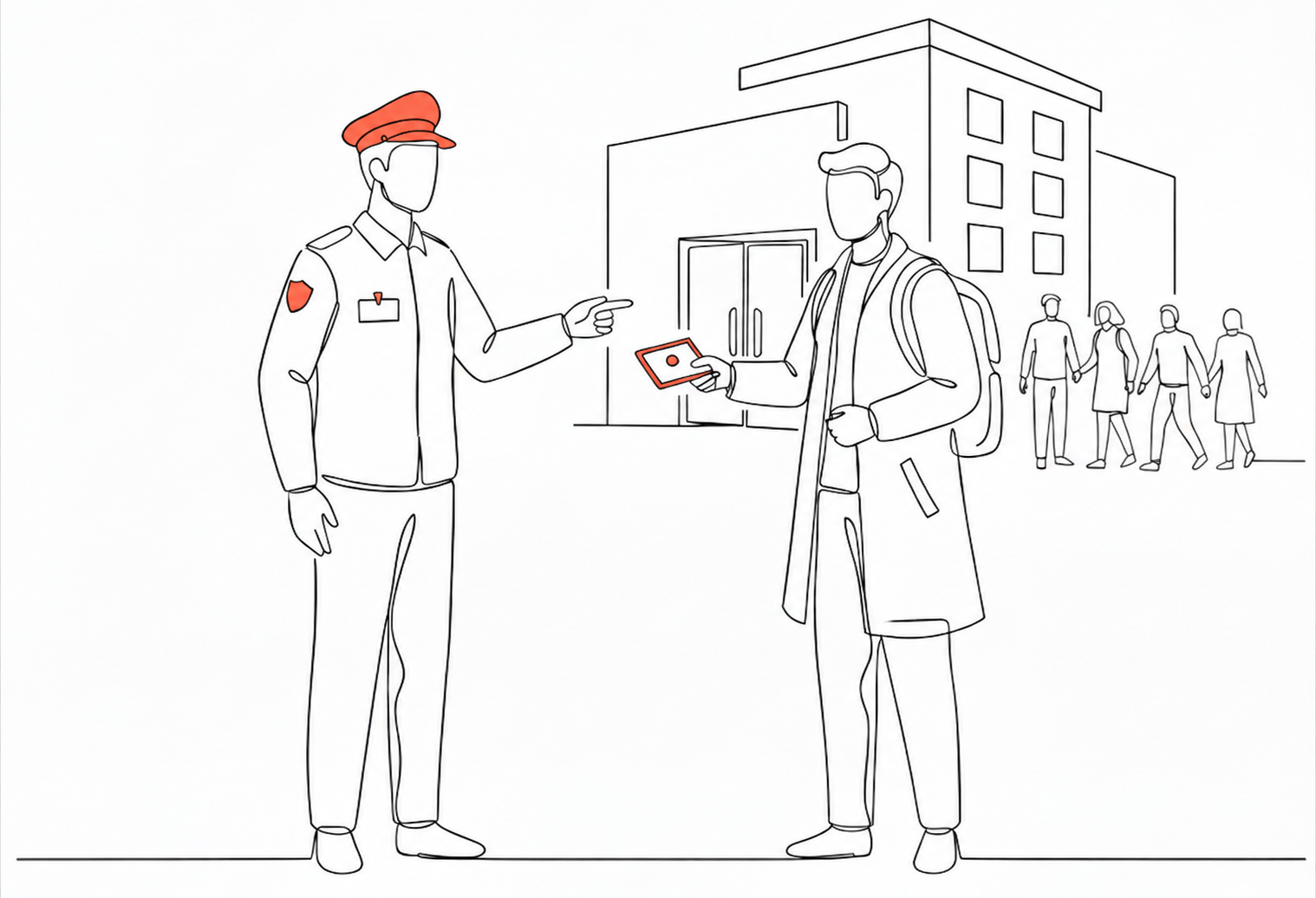
JS challenges and cookie challenges are completed automatically and unnoticed by the user. The system sends a small test to the device, which it completes automatically and almost instantly. At most, the user may see a loading icon for a moment.
Unlike other challenges, CAPTCHA requires user participation. The user needs to enter characters from an image or rotate an image manually.
Types of challenges
The protection system can present a JS challenge, a cookie challenge, or CAPTCHA.
Cookie challenge
A cookie challenge is a simple check that shows whether the client can work with cookies.
How it works:
-
The system receives a request.
-
In response, it returns a redirect (HTTP 307) with the Set-Cookie header. The redirect leads to the same address that the user originally requested. In other words, the system tells the browser: “Repeat the same request, but with the cookie I have given you.”
-
The browser sends a new request, now with this cookie.
-
The system checks the request. If it includes the cookie, the challenge has been completed.
All this happens automatically and takes fractions of a second.
JS challenge
A JS challenge (JavaScript challenge) is a challenge where the browser must run a small script.
How it works:
-
The system receives a request from the user.
-
In response, it sends a page with a short JavaScript script that contains a simple mathematical task.
-
The browser solves the task and sends the answer back.
-
The system checks the result. If it is correct, the challenge has been completed.
All this happens automatically and takes fractions of a second.
CAPTCHA
CAPTCHA is a visual challenge where the user confirms that they are human by completing an action. The protection system can present two CAPTCHA types: character CAPTCHA and image rotation CAPTCHA.

|

|
Character CAPTCHA |
Image rotation CAPTCHA |
|
CAPTCHA is disabled by default. To enable it, contact support and specify the CAPTCHA type: character CAPTCHA or image rotation CAPTCHA. Character CAPTCHA is used by default if no type is specified. You can upload your own images for image rotation CAPTCHA instead of using the standard images. |
CAPTCHA is presented to users the system identifies as bots. It is an alternative to blocking: bot requests are usually blocked, but when CAPTCHA is enabled, these users receive a challenge instead. After completing it, they can access your website or application.
How CAPTCHA works:
-
The system receives a request that clearly appears to be from a bot.
-
The system redirects the user to a page with a CAPTCHA.
-
The user completes the required action: enters characters or rotates an image to the required position.
-
If the action is completed correctly, the challenge is passed.
-
The system redirects the user to the page they requested.
CAPTCHA has difficulty levels. The higher the level, the more obscured the characters are or the more precisely the image must be rotated to the specified angle. The following example shows character CAPTCHA with standard and higher difficulty.

|

|
Standard |
Higher difficulty |
Standard difficulty is suitable for protecting most websites and applications. If necessary, we can increase the difficulty for specific traffic types, for example, if we see that advanced bots can pass a simple CAPTCHA. If you have requirements for the difficulty level, contact support to change the settings.
How the system selects a challenge type
The type depends on who sent the request (a person or a bot) and whether a DDoS attack on your resource is currently in progress.
Each request to a resource passes through the protection system. The system analyzes a large amount of request data, or, technically speaking, request telemetry at L3/L4–L7. This data helps determine who sent the request. The system assigns one of four source classes:
-
Bot: the request was definitely sent by a bot;
-
Likely bot: the request was most likely sent by a bot, but there is no complete certainty;
-
Likely human: the request was most likely sent by a person, but there is no complete certainty;
-
Human: the request was definitely sent by a person.
The system then checks whether the request is affected by your black list, white list, or custom rules. If it is, the system follows your settings. Otherwise, it selects a challenge based on the source class (Bot, Likely bot, Likely human, or Human) and the situation.
Challenge type |
Challenge type |
|
Bot |
By default, no challenge is presented; the request is simply blocked. If CAPTCHA is enabled, CAPTCHA is presented instead of blocking. |
No challenge is presented, even if CAPTCHA is enabled. The request is simply blocked. |
Likely bot |
JS challenge: for a request to a location where an HTML response is expected. + Cookie challenge: for a request to a location where an HTML response is not expected. |
|
Human |
No challenge is presented; the request is passed. |
JS challenge. |
This table gives a general idea of challenge selection. In practice, we flexibly adjust the policy for each customer based on their requirements and traffic specifics.
What happens after a challenge?
If the challenge is not completed, the request is blocked. It does not reach your website or application.
If the challenge is completed, the request is sent to your website or application. The system also adds a cookie to the user’s browser to confirm that the client is legitimate. With this cookie, the user can work with your website or application for some time without repeated challenges.
Summary
-
Challenges help distinguish people from bots and prevent bots from reaching your resource.
-
JS and cookie challenges are presented when it is unclear whether a request was sent by a bot or a person. They are completed instantly and unnoticed by the user.
-
CAPTCHA is an alternative to blocking for users the system identifies as bots. It is disabled by default. To enable it, contact support. CAPTCHA requires the user to actively participate by rotating an image or entering characters.
-
Challenge presentation can be configured. Add custom rules or contact support for help.